
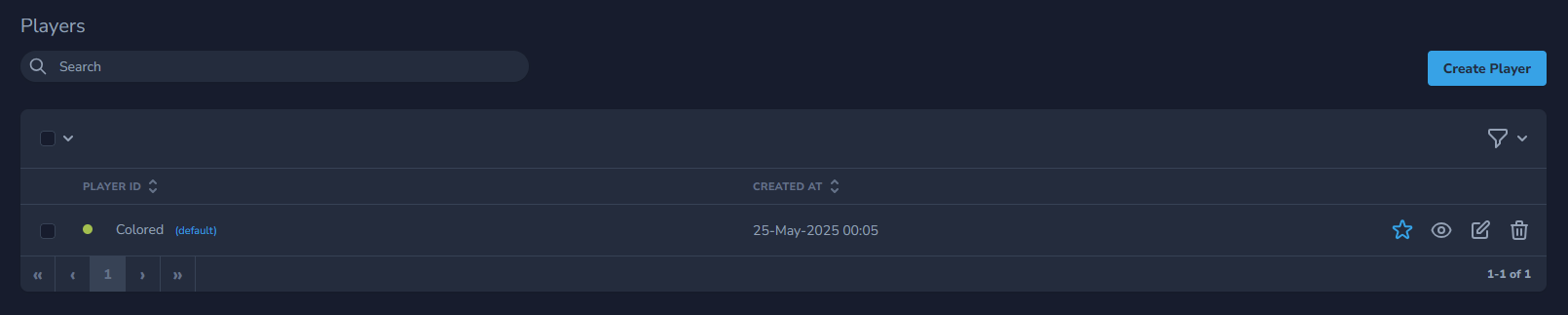
To create a player please go to Players page.
On the Player page, you will have on the top right option to click Create Player
You will need to enter the ID of the player that will represent the name of your player for example "landingpages" in order to know that you want to use it on your landing pages.
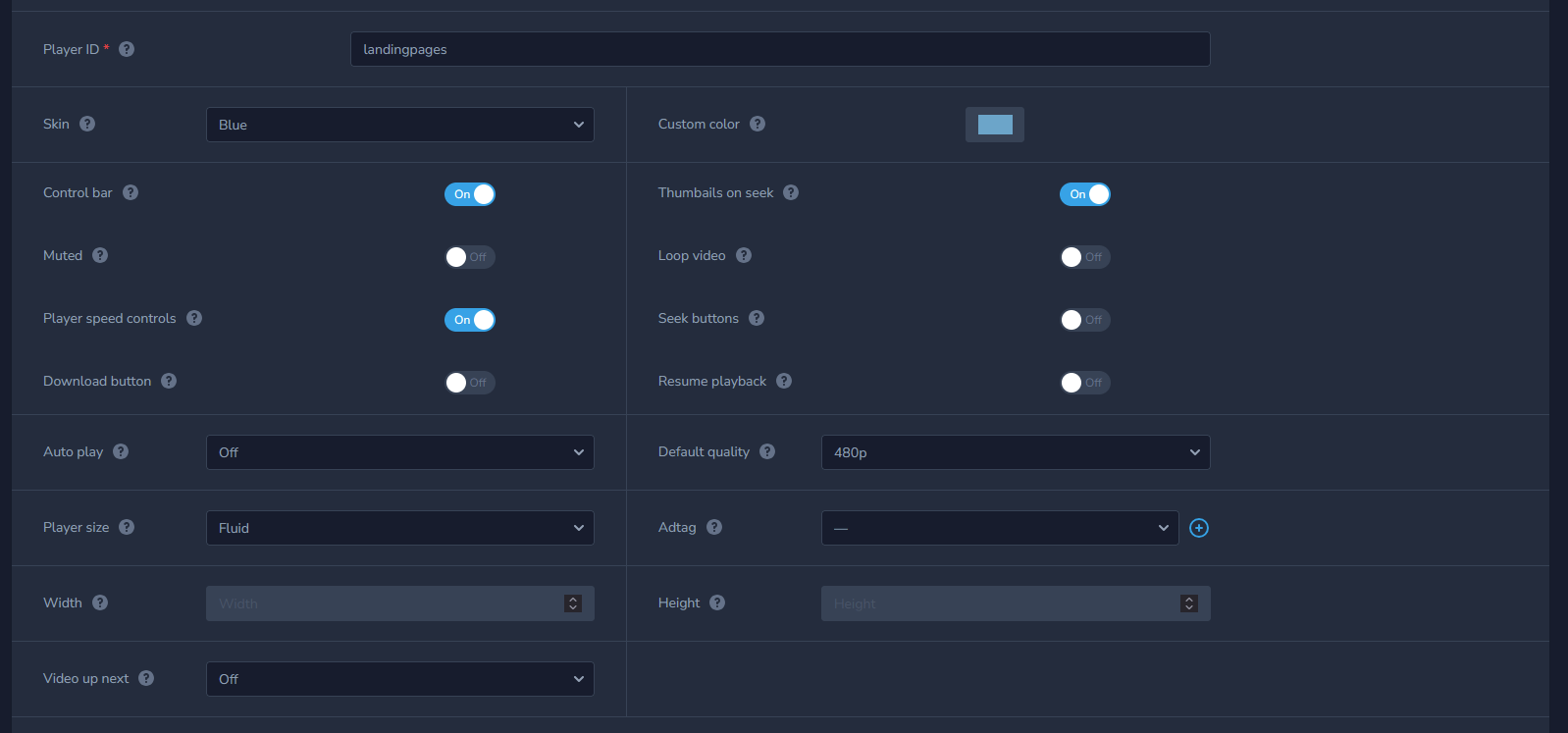
By default, player will use Grey skin that you change to a color that matches the best design of your website.
You can also decide the behaviour of player by setting the following options to your liking
- Autoplay On or Off
- Control bar for video player On or Off
- Default quality to 480p, 720p, 1080p, 1440p or 2160p
- Muted to On or Off if you don't want to play sound on a play (if you want to create an auto-play video in Chrome Muted video must be On)
- Playback Speed controls On or Off (ability to speed up or slow down the video)
- Thumbnails on seek On or Off (ability to show thumbnails from specific frame of video)
- Loop video option On or Off
- Adtag (display video ads from VAST)
- Player size (behavior of the player)
- Resume playback (Resume playback of a video at the point of time it was left)
- Video up next (Play a next video after this one)
- Custom CSS rules (Add you own css rules to the player styles)
When you are done creating it click Create Player button.