
To create a VAST tag please go to your player and edit it, under the Adtag section you will see a plus icon which can be used to add a new VAST tag.
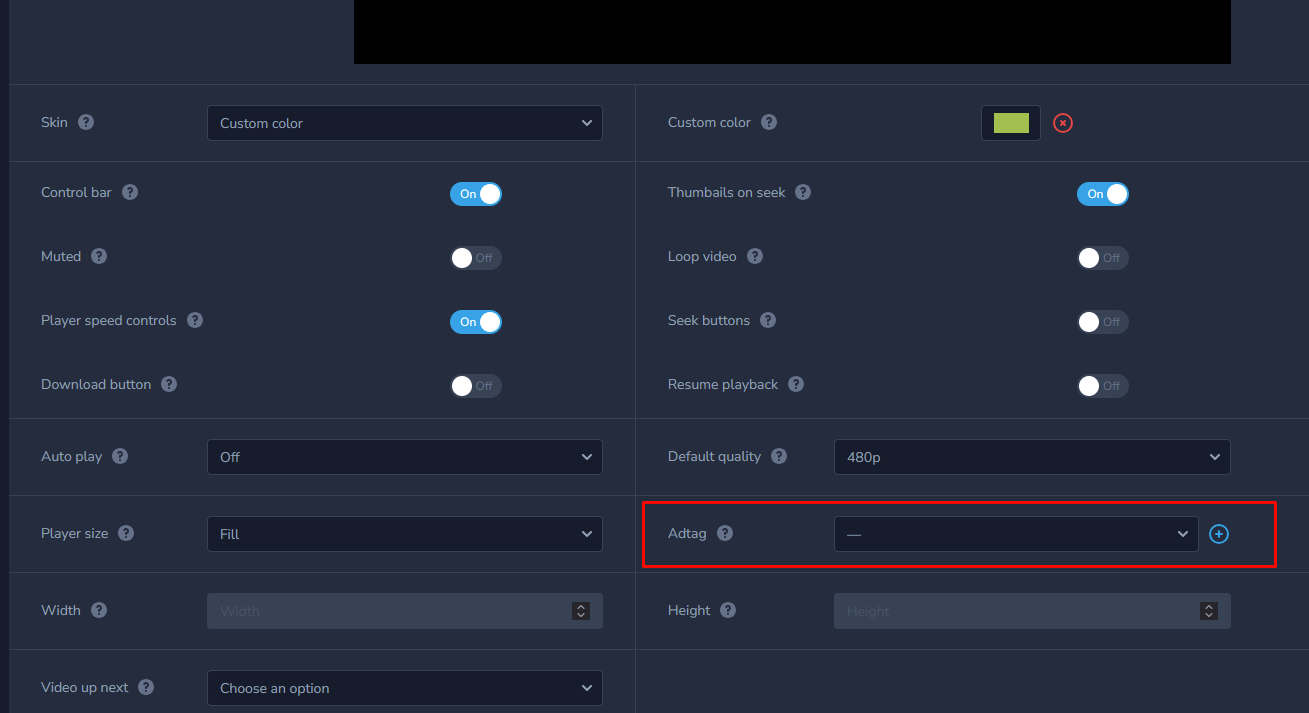
After you click on the plus icon you will be prompted to enter Adtag name and URL: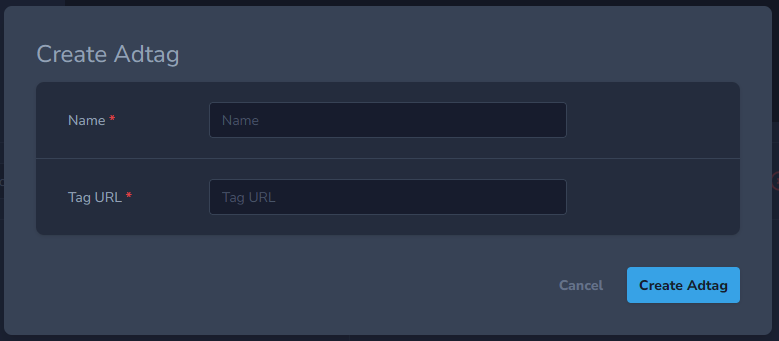
For ID enter a name and for Tag URL enter the link for your ad tag.
You can find sample Vast tags on Google page for vast tags
https://developers.google.com/interactive-media-ads/docs/sdks/html5/tags
If you are doing it via SDK please visit https://publit.io/docs/#create-adtag for full information.