
In order to update your email, you need to follow these steps:
- Go to your settings page https://dashboard.publit.io/app/dashboards/settings?user_details
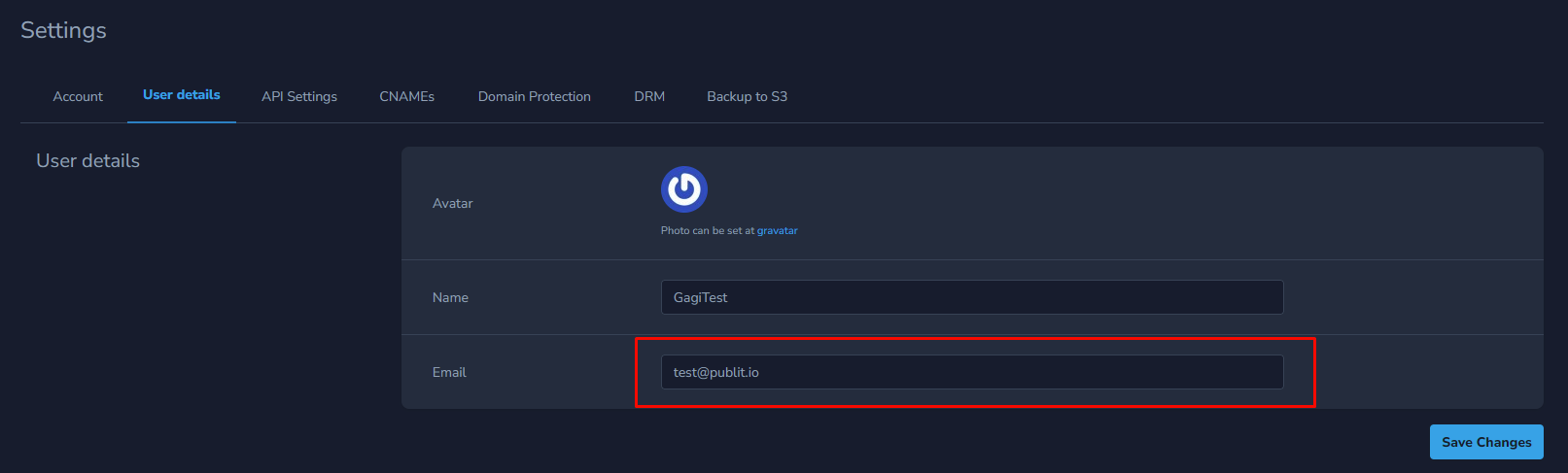
- In the “User Details” section you will see your current email address.
You need to delete your old email address, write down the new one and click save info.
The last step is to verify your new email address. To verify the new email address, follow the instructions on this link https://support.publit.io/hc/en-us/articles/4550315568273-Account-Limited-Warning-