
To apply watermark on file please go to the watermarks dashboard page.
There you will see a list of Watermarks that you have in your account, this watermarks can be applied.
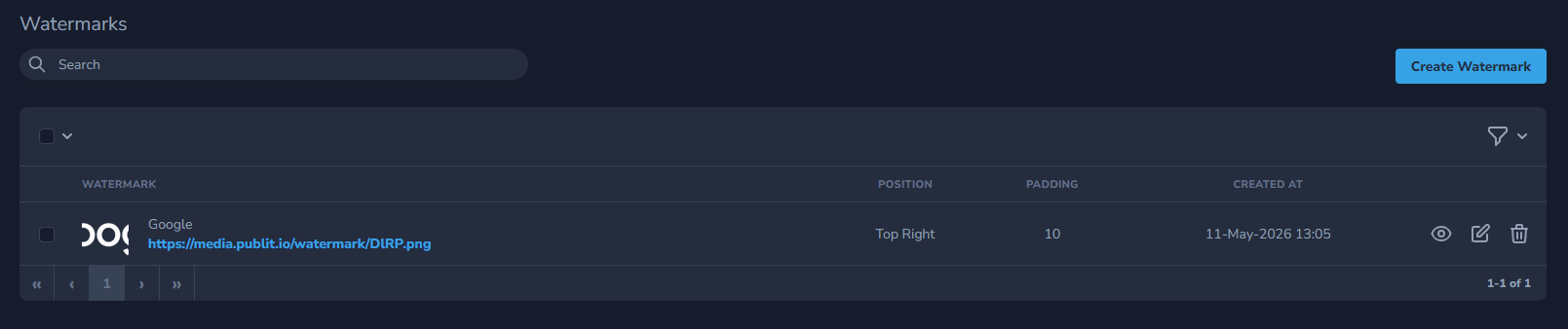
In our case, we have only 1 watermark and its ID is Google.
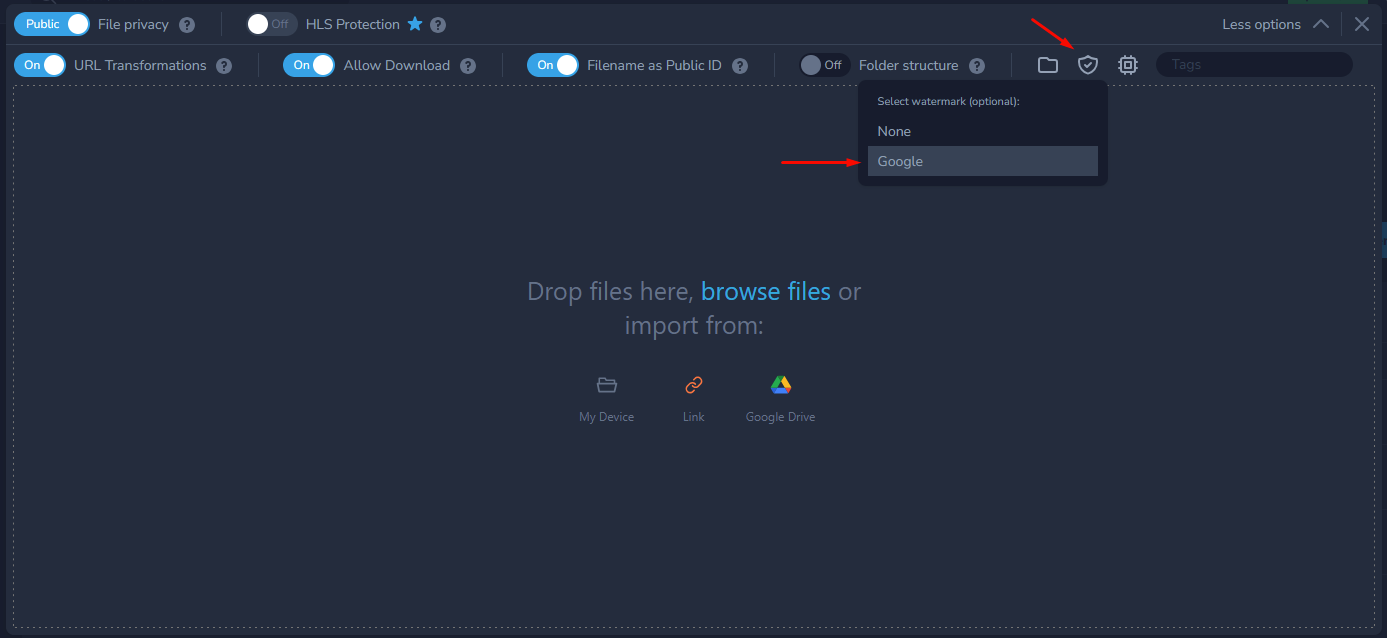
To apply it to image or video you can either apply it during upload of the file by selecting watermark from the drop-down menu.
Or you can use URL based transformations and apply watermark directly via a link
Original link
https://media.publit.io/file/butterflies.png


Image with applied watermark by adding /wm_publitio/ after a file.
https://media.publit.io/file/wm_publitio/butterflies.png


as you can see we have applied wm_ (watermark) publitio < ID of watermark wm_publitio.