
To create Upload Preset, please go to Settings page and find Create Preset button on the right.
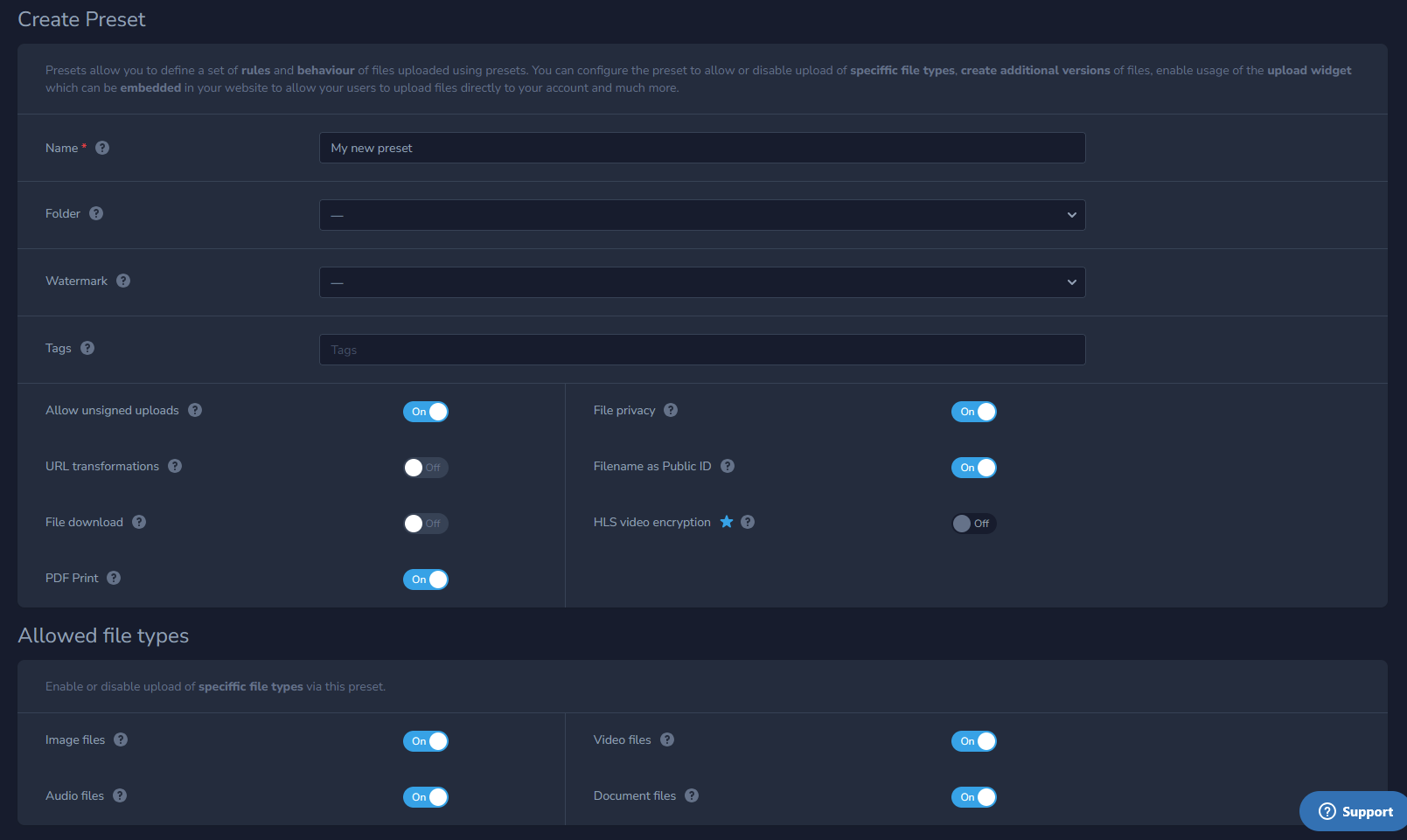
Fill in your desired options for your files that will be applied during the initial upload like:
- Folder
- Watermark
- Tags
- Privacy
- URL transformations
- Disable or enable downloading
- Disable or enable HLS video encryption
- Allow specific file types
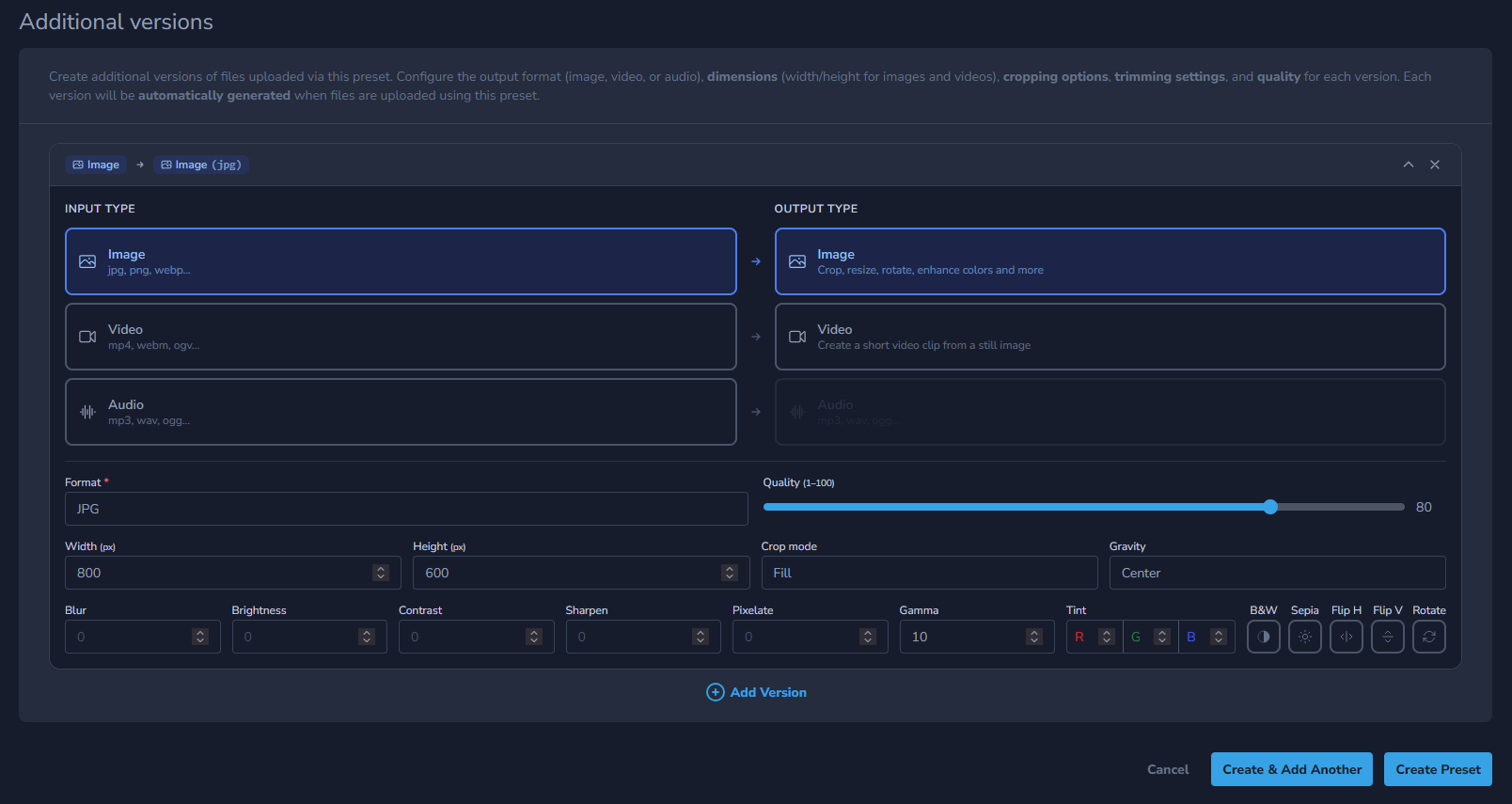
- Create additional versions of your files
Once created you will receive preset ID (preset_id) - which you can use on this api end-point:
POST https://api.publit.io/v1/files/create/Or you can set a preset as a default and it will be used for all your new uploads via dashboard or API.
You can also apply this preset to existing files by using Apply preset action on your files.